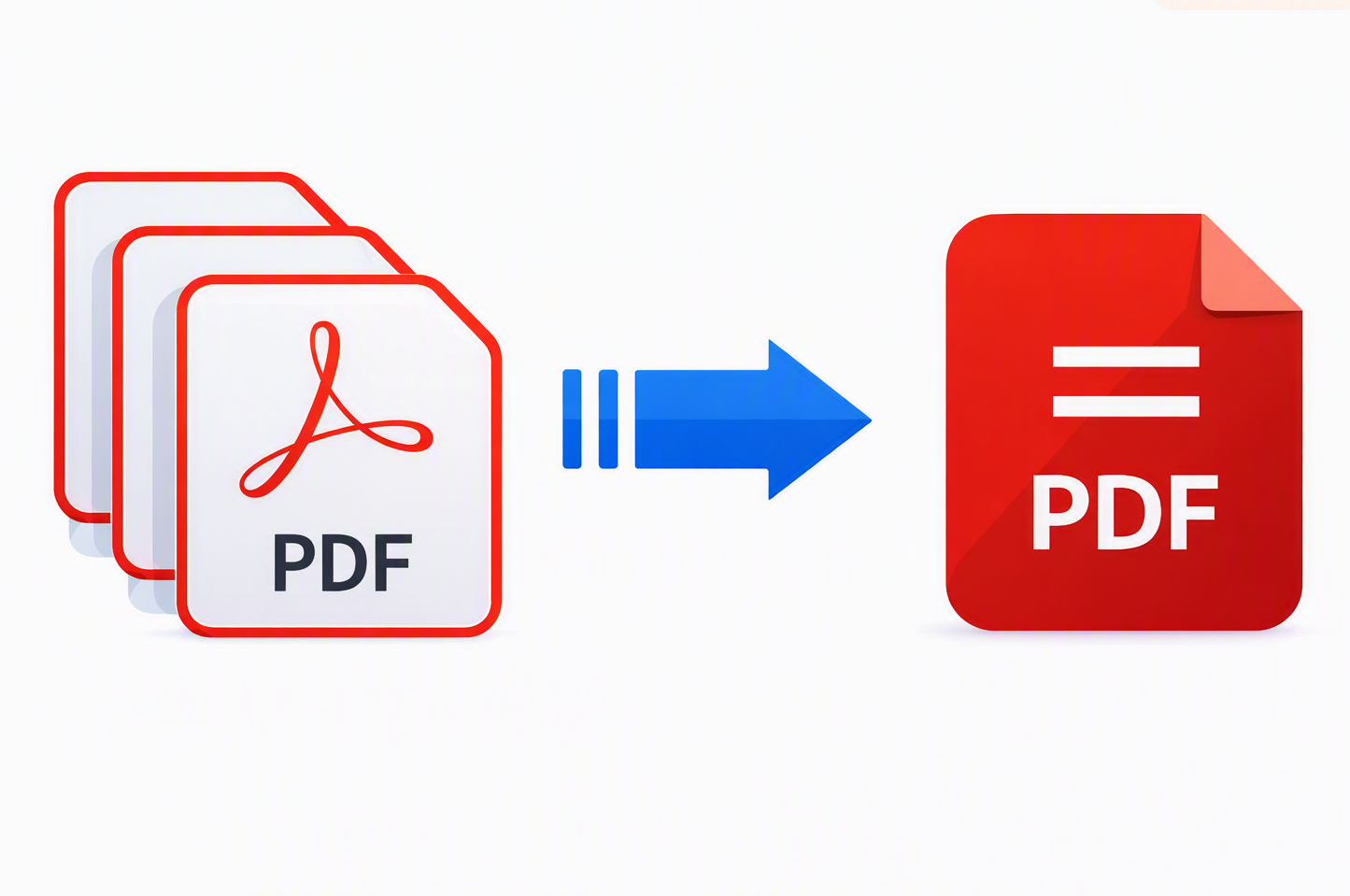
How to Merge and Compress PDFs Online for Free

by Jordan Kim · Document workflows & browser based editing · Updated 8/2/2026 · Posted in PDF Editing
If you've ever tried to email a PDF and gotten bounced back with "file too large," or found yourself with five separate scanned pages that really should be one document, you've run into the two most common PDF headaches: files that are too big, and files that are too scattered. Both are easy to fix without installing anything or paying for a desktop app you'll use twice a year.
Why You'd Need to Merge PDFs
Merging comes up more often than people expect. A few common cases:
- You've scanned a multi page contract one page at a time, and now you have five separate PDFs that need to become one.
- You're assembling a report, portfolio, or application packet from several source documents (a cover letter, a resume, and a few supporting files) and want to send it as a single attachment instead of five.
- You've collected signed pages from multiple people and need to combine them into one final signed document.
Rather than emailing a folder of loose files and hoping the recipient opens them in the right order, merging gives you one clean document.
Why You'd Need to Compress a PDF
Compression solves a different problem: file size. This usually happens when a PDF contains scanned pages or embedded photos. Each scanned page can be several megabytes on its own, and a 20-page scanned document can easily balloon past what most email providers allow as an attachment (commonly capped around 25MB). Upload forms for job applications, government portals, or client intake systems often have even tighter limits.
Compressing reduces the file size while keeping the document fully readable. You're not deleting pages or content, just reducing how much space the file takes up.
How to Merge PDFs in Your Browser
- 1
Open the PDF tools and upload the files you want to combine.
You can drag and drop several PDFs at once.
- 2
Arrange them into the order you want the final document to read in.
Drag to reorder if needed.
- 3
Click Merge.
Your files are combined into a single PDF.
- 4
Preview the result.
Confirm everything's in the right order and nothing's missing.
- 5
Export your merged file.
Download the combined document when you're ready.
Everything happens in your browser. There's nothing to install, and you can upload, arrange, and preview for free. An account is only needed at the export step.
How to Compress a PDF in Your Browser
- 1
Upload the PDF you want to shrink.
Open the PDF tools and load your document.
- 2
Choose Compress from the PDF tools.
Run compression on the loaded file.
- 3
Preview the size reduction before committing to it.
Confirm the document still looks right.
- 4
Export your smaller file.
Download the compressed PDF when you're ready.
The result is the same content in a smaller package, ready to email, upload, or attach without hitting a size wall.
Can You Merge and Compress the Same File?
Yes, and it's a common combination. If you're merging several scanned pages into one document and the combined file ends up too large to email, run it through Compress afterward. Merge first, then compress the result, so you get one clean file that's also small enough to send anywhere.
Is This Actually Free?
Uploading, arranging, and previewing both tools is free with no account required. You'll need a free account only at the point of exporting your final file, the same model used across every tool on PutWatermark, whether you're watermarking a photo or signing a PDF.
No Software, No Subscriptions
Both tools run entirely in your browser using the same underlying document engine as the rest of PutWatermark's PDF tools (Sign & Fill, watermarking). There's nothing to download, nothing to install, and no recurring subscription. Just upload, merge or compress, and export.
Frequently Asked Questions
Can you merge and compress the same file?
Yes. Merge several PDFs into one document first, then run the combined file through Compress if it's still too large to email or upload.
Is merging and compressing PDFs actually free?
Uploading, arranging, and previewing both tools is free with no account required. You'll need a free account only at the point of exporting your final file, the same model used across every tool on PutWatermark.
Do I need to install software to merge or compress PDFs?
No. Both tools run entirely in your browser. There's nothing to download or install.
Will compressing a PDF delete pages or content?
No. Compression reduces file size while keeping the document fully readable. You're not deleting pages or content, just reducing how much space the file takes up.
Ready to merge or compress a PDF? Open the PDF tools